
10 Web Technologies That Can Make a Business Website Faster, Smarter, and Easier to Scale
Discover 10 essential web development technologies that help businesses create faster, smarter, secure, and scalable websites for long-term growth.
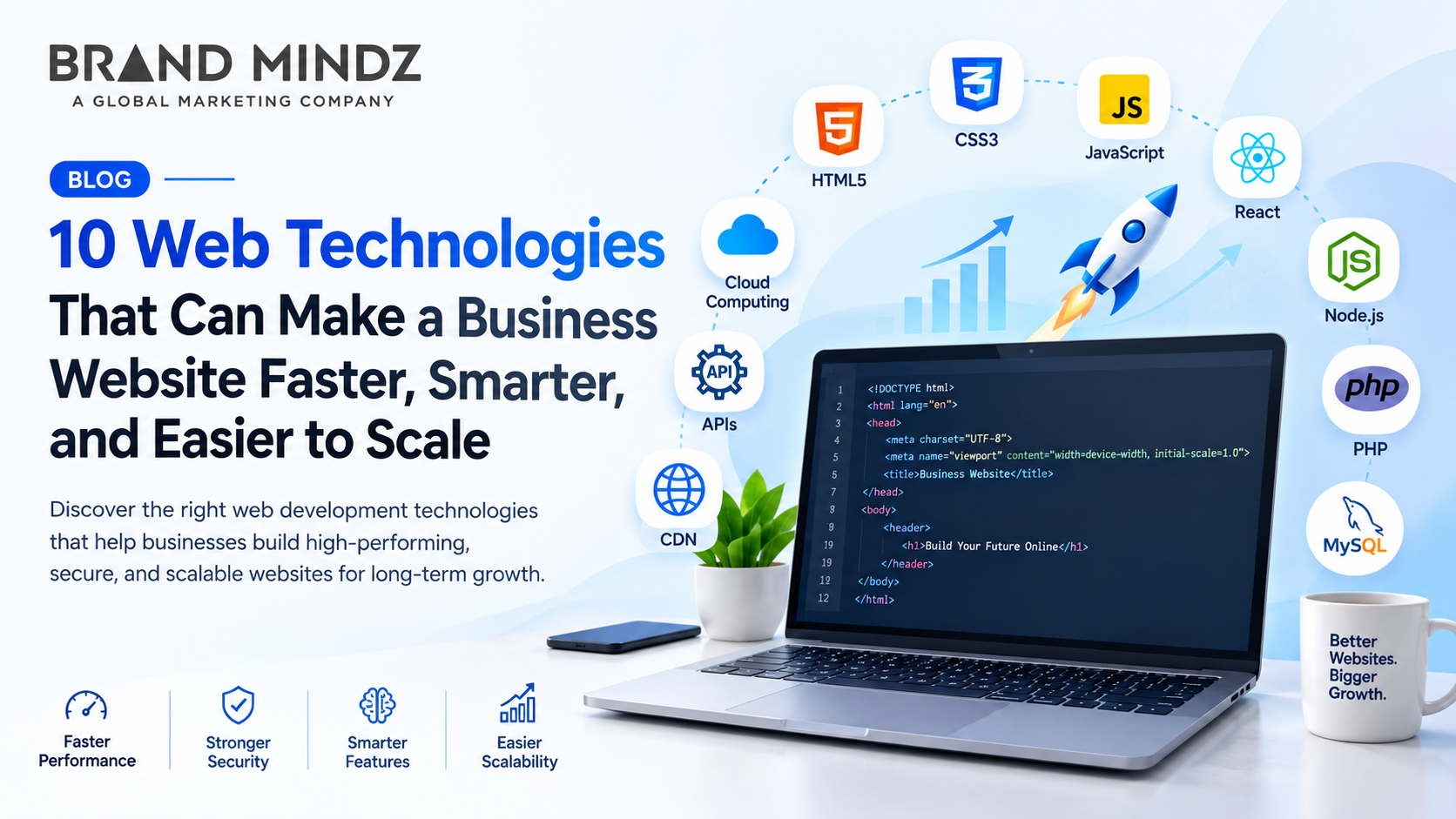
I have seen times when a business website is usually the first place where customers learn about a company and its services. If a business website is slow or difficult to use, it can hurt user experience. Reduce business growth. I notice that modern web development technologies such as frameworks, cloud hosting, APIs, CDNs, and caching help businesses build business websites that are faster, smarter, more secure, and easier to scale.
What Are Web Development Technologies? Web development technologies are the programming languages, frameworks, platforms, tools, and systems used to create, manage, improve, and maintain websites and web applications.
They control parts of a website, including: Website structure and layout Design and user interaction Server-side functionality Databases and data management Website speed and performance Security API integrations Scalability Content management
Web development technologies today allow businesses to create websites that can provide better performance while supporting future growth. 10 Web Technologies for a Faster and Scalable Business Website
HTML5 HTML5 gives a structure for a website. HTML5 lets developers put content in parts such as headings, images, videos, forms, and sections. Using semantic HTML5 can let browsers and search engines read website content more easily.
Key benefits: Provides a website structure Supports up-to-date multimedia Helps make the website easier to use for everyone Works with the latest browsers Supports good page structures for search engines
CSS3 CSS3 determines how a website looks. CSS3 handles layouts, fonts, spacing, animations, and responsive design. I see that modern CSS techniques such as Flexbox and Grid let developers make layouts without extra code.
Key benefits: CSS3 creates layouts. CSS3 improves visual consistency. CSS3 reduces unnecessary styling code. CSS3 supports mobile‑friendly design. CSS3 helps create better user experiences. Java script JavaScript adds functionality and interactivity to websites. It can be used for forms, menus, filters, dynamic content, calculators, dashboards, and other interactive features. For businesses, JavaScript can help create websites that respond quickly to user actions without requiring every interaction to load a new page.
Key benefits: Adds interactive features Improves user engagement Supports dynamic content Enables modern web applications Works with development frameworks
React React is a JavaScript library that people use to build user interfaces. It lets developers make components. These components can help make big websites and web apps easier to build and keep up with. For businesses that are growing, reusable components mean it's simpler to add features or change existing ones. There's no need to rebuild the site each time.
Node.js Node.js lets JavaScript run on a server. People use it a lot to build web servers, APIs, real‑time apps, and backend services. Node.js can handle connections at once, which makes it handy for business sites and web apps that need to manage many user requests.
PHP PHP is a server-side programming language. It is used a lot for building websites and web applications. It can connect to databases, handle forms, manage user sessions, and create web pages that change based on user input. PHP works with content management systems, like WordPress. Because of this, businesses often use PHP to build websites they can update and manage themselves over time.
MySQL MySQL is a database management system that is used to store and organize website data. Business websites might need databases for customer information, product details, orders, blog posts, user accounts, and other types of content. A well-designed database helps a website retrieve and manage information efficiently as the amount of data grows.
APIs An API, or Application Programming Interface, enables software systems to talk to one another. Business websites can use an API to link with payment gateways, CRM platforms, email marketing systems, maps, analytics tools, social media services, and other applications. This allows a website to grow its features without building every system from scratch.
Cloud Computing Cloud technologies let websites and applications use computing resources, like servers, storage, and databases, through cloud platforms. When website traffic goes up or down, companies might need fewer resources. Cloud-based systems offer flexibility. Let websites manage changing workloads without relying completely on one physical server.
Content Delivery Network (CDN) I have seen a content delivery network store. Deliver website files using servers that are located in many different geographical places. When a visitor opens a website, the static content, such as images, CSS, JavaScript files, and other resources, can be delivered from a server that's closer to that visitor. This can reduce the time it takes to load and can improve the performance of a website, especially when a business receives visitors from different locations.
Modern Database Technologies Databases. Organize information that websites and web applications use. From my experience, databases are the backbone of web services. Depending on the project needs, developers may choose databases such as MySQL or PostgreSQL or NoSQL databases such as MongoDB. A well-designed database helps a website manage growing amounts of information efficiently. I have seen projects succeed when databases are planned carefully.
Content Delivery Network (CDN) I have seen many websites use a content delivery network, or CDN, to store and send website files through servers that are placed in different geographic locations. When a visitor opens a website, the CDN can deliver content such as images, CSS, JavaScript files, and other resources from a server that is close to that visitor. This means that loading time becomes shorter and website performance becomes better, especially when a business receives visitors from different places.
How These Technologies Work Together A modern business website does not rely on a single technology. HTML5 gives the structure. CSS3 styles the look. JavaScript or React builds parts. Backend technologies like Node.js or PHP handle requests. The mix of these tools makes the website work smoothly. Databases, like MySQL, keep business information safe. APIs link the website to services. Cloud infrastructure supports changing workloads. A CDN delivers website resources quickly to users. When these technologies are chosen and set up correctly, they build a website that's fast, smart, reliable, and easy to scale as the business grows.
Frequently Asked Questions
1. What are web development technologies? Web development technologies are programming languages, frameworks, platforms, tools, and systems used to build, manage, secure, and improve websites and web applications.
2. Which web technologies can make a business website faster? Technologies such as HTML5, CSS3, JavaScript, CDNs, cloud computing, caching, and optimized databases can help improve website speed and performance.
3. Is HTML5 important for business websites? Yes. HTML5 provides the basic structure of a website and supports semantic elements, multimedia, forms, and modern browser features.
4. Why is JavaScript used in website development? JavaScript adds interactivity and dynamic functionality, including forms, menus, calculators, filters, dashboards, and other interactive website features.
5. What is React used for in web development? React is a JavaScript library used to build user interfaces with reusable components. It can make large websites and web applications easier to develop and maintain.
Final Thought Choosing the web development technologies is a key part of building a successful business website. Technologies like HTML5, CSS3, JavaScript, React, Node.js, PHP, MySQL, APIs, cloud computing, and CDNs can help with parts of website development and performance. These technologies can help with parts of website development and performance. The best technology stack depends on the business model, website requirements, expected traffic, functionality, budget, and plans. When choosing technologies just because they are popular, businesses should pick solutions that give a strong technology foundation for their current needs and future growth.